Collaborate Features
From Intakes and Services through Outcomes and Reporting - and everything in between - Collaborate has social services covered. Book a demo to see it in action.
Case Management & Tracking
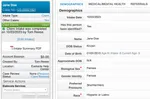
Case Profiles
All Case information is housed on one screen for easy access, including:
- Intake data
- Services and Activities
- Case Assignments & Tasks
- Internal & external Referrals
- Case Notes, Documents, Notifications, and Alerts
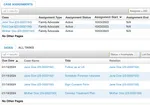
Assignments & Tasks
Assign Cases and to yourself or other Users with start and end dates.
Create Tasks for to-do items, add assignees and due dates, and include automated Reminders when Tasks become due.
When Assignments or Tasks are completed, close them out with one click.
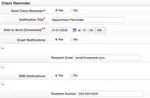
Notifications & Reminders
Send and schedule email and SMS (text message) Notifications & Reminders to Staff, Clients, or anyone outside of Collaborate.
“Counseling Staff use Collaborate’s SMS feature constantly, they love it.”

Tarah Sellers
Director of Client Services, Network of Victim Assistance (NOVA)
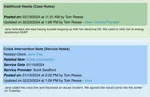
Case Notes
Add narrative information to Cases and Services with optional color coding.
A complete history of all Case Notes lives on Case Profile pages to provide a timeline of events.
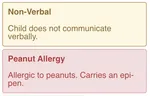
Case Alerts
Keep important information front and center on Case Profiles.
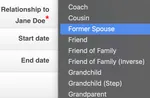
Relationships
Establish, manage, and report on complex relationships between Clients, family members, and other people.
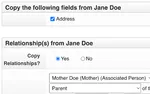
Copy Case Fields
Save time by carrying over shared Addresses, Relationships, and other data for related Cases.
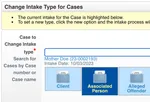
Convert Case Types
Quickly change Hotline Intakes into full Cases, or Associated People into Clients.
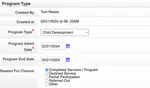
Program Management
Collaborate is built to handle multiple Programs at the Case and/or Service level.
Enroll Clients in Programs with entry and exit dates, access a complete Program history, and generate Reports to compare performance across Programs.
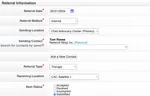
Referrals
Refer Cases between Programs, while maintaining “need to know” privacy, plus track both inbound and outbound Referrals for outside partners.
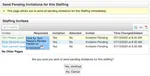
MDT Case Reviews
If you run MDT Meetings, then Collaborate’s Case Reviews feature is for you.
- Schedule Staffings & send invitations to attendees
- Generate custom PDF packets for each MDT member
- Record findings & schedule follow-ups
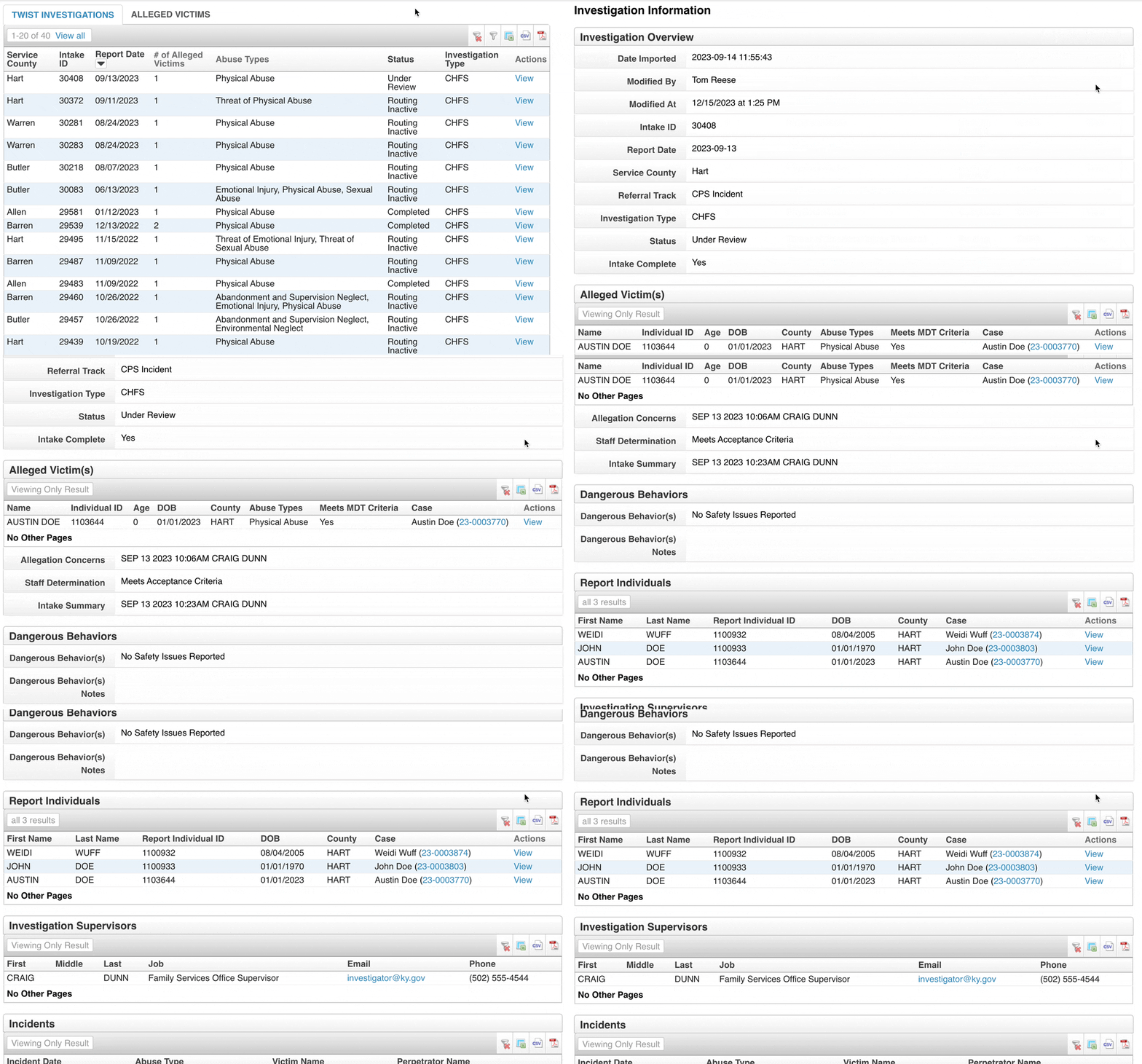
Investigation Tracking
Made for organizations who receive criminal investigation data from law enforcement & protective services, countywide or statewide.
Review pending investigations - including alleged victims and incident details - and pull data into Case files automatically.
“Our staff found that Collaborate is easy to navigate, and was customized specifically to streamline services and data entry.”

Kelli Mukaddam
Data Specialist, National Children’s Advocacy Center
Case History
Access an auditable record of every change ever made to Cases.
Case Linking
Quickly link multiple related Cases together in a few clicks.
Case Restrictions
Lock access to specific Cases only to qualified Users to avoid conflicts of interest.
Households
Track people living under the same roof together by adding them to Households.
Address History
When Clients move, add a new address while preserving a full list of old addresses.
Person Profiles
For Clients with more than one Case, access all their Cases on a single screen.
Customizable Forms
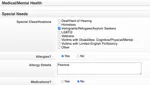
Intakes
Intake forms are tailored specifically for your organization by social services experts.
We’ll automate manual processes, digitize your paper forms, and add logic-based elements to save time for Staff.
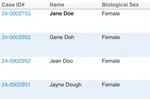
Conflict Check
Avoid duplicate entries and locate difficult to find Cases with intelligent conflict checking, performed automatically for each new Intake.
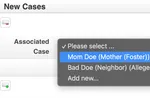
Quick Add Associated Cases
Create associated Cases, such as family members or alleged offenders, without leaving your original Intake form.
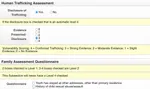
Services
Collaborate has hundreds of pre-built Service forms, from medical comprehensive to workforce coaching.
But it's not limited to those - you can create your own custom Services with associated criteria to be tracked and managed.
Pre-Built Service Forms
- Victim Advocacy
- Crisis Intervention
- Progress Notes
- Legal Dispositions
- Mental Health
- Counseling
- Clinical Assessments
- Referrals
- Forensic Interviews
- SANE Exams
- Goals & Outcomes
- Shelters & Housing
- Title IX
- Medical Exams
- Needs Assessments
…and many more
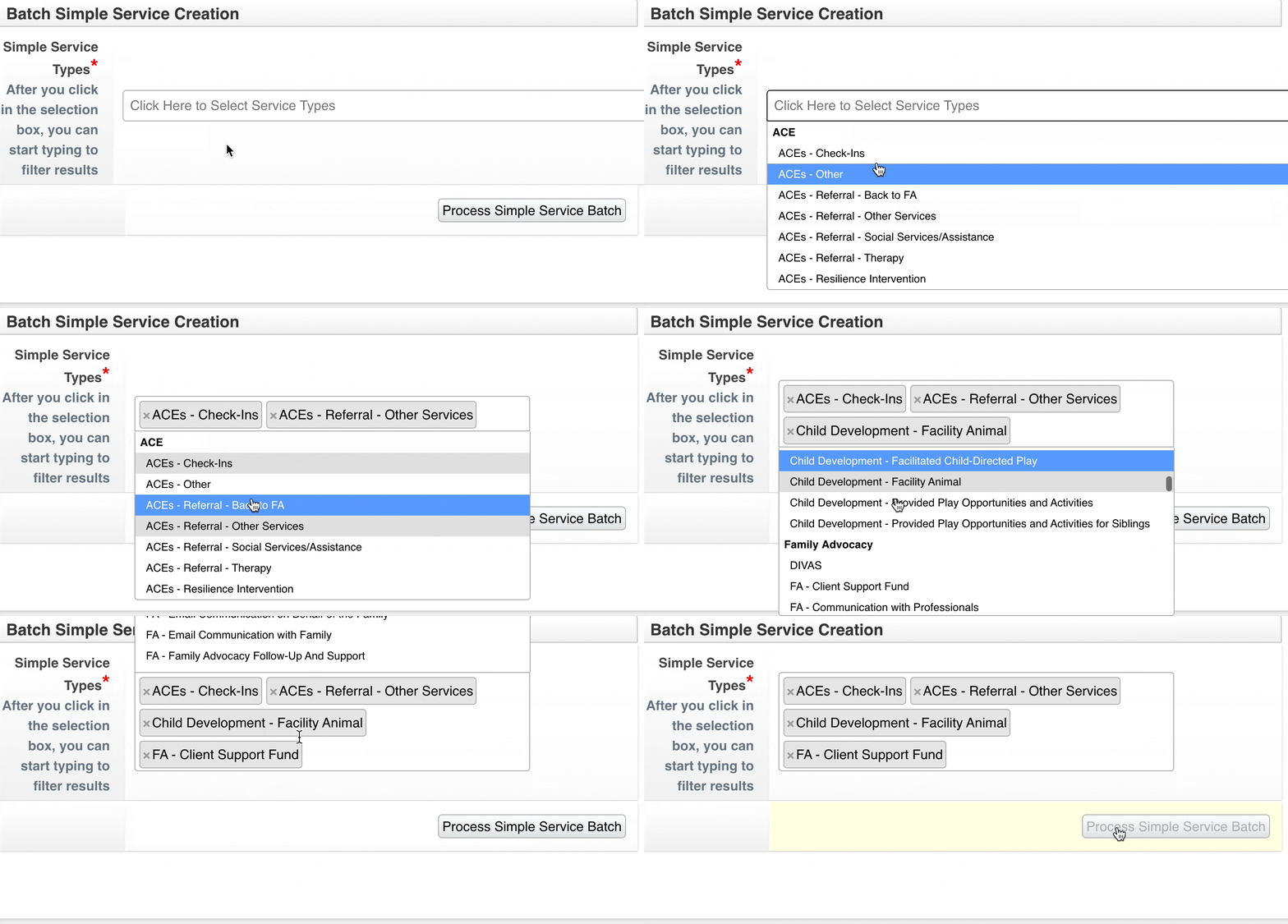
Batch Services
Save dozens of hours per month in data entry when you record multiple Services at once, on a single screen.
Type a keyword and get suggested Services to add to a batch. With some quick clicks, several Services are added and saved to a Case.
Group Activities
Outside of direct Services, Collaborate’s Activity Module lets you track and manage things you do for groups of people, including:
- Prevention & Outreach
- Support groups
- Trainings
- Community events
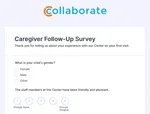
External Forms
Collect information from outside of Collaborate and quickly associate it with Cases, Services, and Activities.
Send people a link to the form, or add an embedded form on your own website, to gather information like:
- Surveys
- Self-Intakes
- Signups for group sessions
Pre-Intakes
Gather quick qualifying data about potential Clients before progressing to a full Intake form.
Hotline Intakes
Hotline workers get their own Intake forms to grab the data they can during crisis situations.
Service Scheduling
Schedule Services for the future with optional SMS & email reminders.
Service Locking
When a Service is 100% complete, lock it to ensure no further changes are made.
Service Notes
Add a narrative to any Service to provide further context on what you discussed or did with a Client.
Document Management
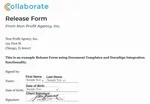
Document Templates
Why fill out forms manually when you can pull data in automatically?
Document Templates lets you create custom PDF documents based on existing Collaborate data, then save pre-populated Documents directly to Cases and Services.
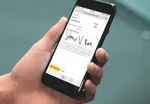
DocuSign Integration
Collaborate integrates with your DocuSign account, allowing collection of Electronic Signatures from Clients and Service providers, including telehealth, consent, and release forms.
Signers can add signatures from any device.
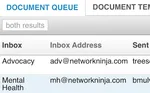
Document Queue
Scan Documents and send them directly to Collaborate via any networked scanner, or email documents to Collaborate. Access the Queue to associate Documents with Cases.
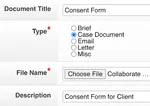
Simple Document Upload
Drag and drop files of any type (or use the file selection window), while automatically associating them with Cases, Services, and Activities.
In-Depth Reporting
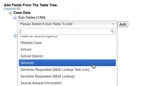
Dynamic Reports
Create your own Reports from scratch using our Reports Library, or have Collaborate experts make them for you.
Either way, Collaborate Reports are filterable, shareable, and can include any field in the database.
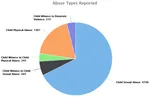
Data Visualizations
Visualize your data in Collaborate with charts and graphs, including:
- Pie charts
- Bar charts
- Line charts
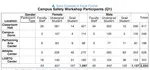
Crosstabs with Subrows
No need for spreadsheets - you can create crosstabs with subrows in Collaborate.
That means you can segment your data across locations & demographics to extract meaningful insights.
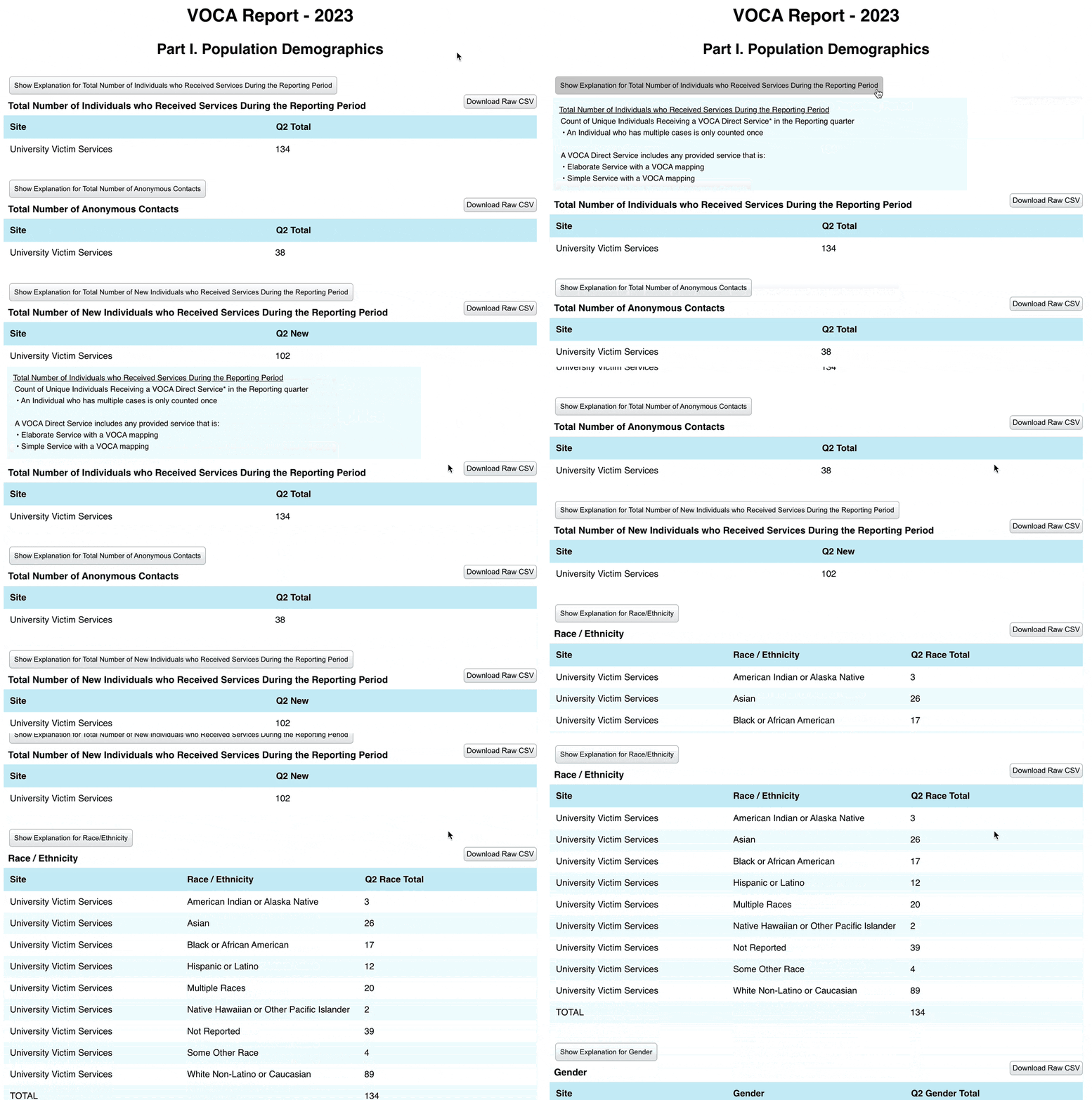
Custom Funder Reports
Have complex reporting needs? Collaborate specialists will tailor Custom Reports to meet your funder’s precise requirements.
A Custom Report’s output is portable, shareable, and easily accessible on a single screen.
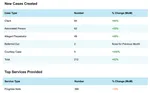
Monthly Digest
Each month, key stakeholders will receive an email that recaps recent data totals like:
- Cases created
- Services provided
- Reports run
- Support hours utilized
Data Integrations
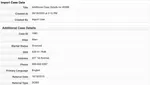
Data Imports
Bring your legacy data with you when you switch to Collaborate.
Included with standard onboarding, data migration specialists will import and map your data to appropriate Collaborate database fields, ensuring it remains reportable.
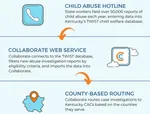
API & Third Party Integrations
Collaborate supports robust connections with other software systems. Example integrations in everyday use by social services agencies include:
- Statewide referrals systems
- Medical billing
- Payroll/Staffing
- Quickbooks integrations
Contacts, Organizations, & Calendar
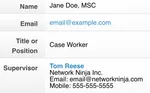
Contacts
Keep track of staff at outside organizations, including contact info and office details.
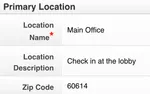
Organizations
Manage partner agencies you work with, including those with multiple locations.
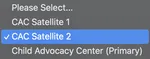
Satellite Offices
Have multiple office locations? Just select which one you’re working from.
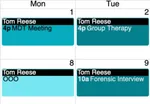
Calendar & Events
Each user has a personalized Calendar to track their scheduled Services & Events.
Industry-Leading Security & Compliance
HIPAA & SOC 2 Compliant
A third party firm audited Collaborate and Network Ninja and confirmed our compliance.

Roles & Permissions
Multidisciplinary team members’ Permissions can be tightly controlled so that they only have access to what they need.

Strong Encryption
Everything from a User’s browser to Collaborate, or on the server itself, is encrypted - including backups.
Multi-Factor Authentication (MFA)
MFA greatly reduces the chances of unauthorized access to your Collaborate implementation.
Complete Logs
Administrators can view a full audit of every login or attempted login, and every change to every field in the database.
Backups of Backups
Collaborate instances are backed up in real-time, to prevent any loss of your data.
Administrator Control
User Management
Create new Users, deactivate old ones, manage Roles & Permissions, and send password reset emails.
Edit Form Values
Manage the content in drop-down menus, checkboxes, and other elements in Intakes, Services, Activities, and more.
Service Management
Create new Simple Services for Users to record and schedule, or deactivate unneeded ones.
Application Export
Export all Users - or the entire configuration of your application - in one click.
Service & Support
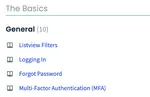
Knowledge Base
Access a complete user manual on all Collaborate features.
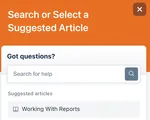
Help Widget
View contextual self-serve articles without leaving the application.
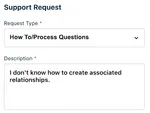
Support Requests
Contact the Collaborate support team with anything you need, and get a quick response.
Live Training Webinars
Sign up for group or 1-on-1 consultations from the Training Schedule.
On-Demand Training Videos
Can’t attend a live training? Choose from an extensive library of on on-demand training videos covering topics from first-time basics to advanced reporting, 24/7.
Dedicated Account Manager
Your Account Manager will guide you through onboarding and provide ongoing support for years to come.
1-on-1 Consults
Monthly consultations on Reports and other topics are included with Support & Maintenance.
Collaborate Concierge
Book a dedicated Concierge to outsource tough tasks, like building specialized reports for last-minute funder requests.
Expert Onboarding
Project Management
From contract signing through Go-Live, onboarding specialists will manage the process and guide you toward best practices.
App Configuration
The Collaborate team does all the heavy lifting for you, from integrating forms to setting up Reports.
Staff Training
We’ll train your entire staff just before Go-Live to ensure everyone is well versed on using Collaborate.
Even More Features
Billing
For organizations that charge for their Services, easily manage that entire process - from Billing Items and Payments, through Account Statements and Reporting.
Mobile Responsive
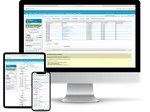
Collaborate is accessible on desktop, laptop, tablet, and mobile phone - anywhere with an internet connection.
Secure Message System
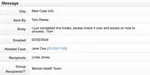
Send and receive secure messages, to and from other Users and Groups, without leaving Collaborate.
That means your data remains secure, so you can pass along Case and other sensitive information with confidence.
Auto Generated PDFs
Most everything in Collaborate, from Intakes and Services to Activities and Documents, are exported to PDF in one click.
Networks & Sites
Collaborate for Networks is offered for groups that need to communicate and securely share sensitive data between other organizations that use Collaborate.
Sign-Offs
Request a manager to give their blessing to a Case or Service before completing it.
Want to see all the features?
Contact us and we'll show you all of the amazing features that Collaborate has to offer.